Instagram's Branded Content tool: how to approve creator partners

To approve creator partners for Instagram's Branded Content tool, open your business profile settings, go to Branded Content, keep "Require Approvals" on, and add each creator under "Approved Accounts."
That’s the whole job, and it takes about a minute. Once a creator is approved, they can tag your business in Paid Partnership posts, and you can promote those posts as Branded Content ads, running creator content as paid media without losing the credibility of the original post.
Below is the full step-by-step, plus four tips we use to keep the process clean across larger creator programmes.
Key takeaways:
- Instagram requires brands to approve any creator who tags them. Approval is what unlocks Branded Content ads.
- Keep “Require Approvals” toggled on. Turning it off lets anyone tag you, which is a brand-safety risk Meta and Vamp both advise against.
- Approving a creator also lets them promote their tagged posts as ads. Brief them on that upfront.
- Pre-loading your creator list into Meta Ads Manager removes the manual approval step later.
How do I approve creator partners on Instagram?
Instagram requires brands to approve anyone who tries to tag them. The “partner approvals” flow below lets you choose exactly which creators can tag your business in Branded Content posts.
1. In the Instagram app, open your business profile, go to “Settings,” and select “Business.”
2. Select “Branded Content” and make sure “Require Approvals” is toggled ON. This is on by default, and it’s what gives you control over who can tag you.
3. To approve a creator, select “Approved Accounts.”
4. Search for and select the Instagram handle of the creator you’re partnering with.
5. That creator can now tag your business in their posts. Note: approving a creator also gives them the ability to promote those tagged posts as ads, so make sure it’s a partner you trust.
Check out the video demo below.
The alternative is toggling “Require Approvals” to off. That would let anyone tag you in a Paid Partnership, approved or not. For brand safety, Meta and Vamp both advise against it. Control over who represents your brand is worth keeping.
Four tips to streamline the process
How we see it: the approval toggle is the easy part. The value is in running the system around it well, so creator content moves from organic to paid without friction or surprises.
1. Learn from organic performance
If you’re running a creator activation first, use organic post performance to identify which content is worth boosting. It’s not a perfect signal, engagement rates vary from creator to creator, but a high-performing organic post is a strong hint at what will land once it’s behind paid spend.
2. Set a transparent brief
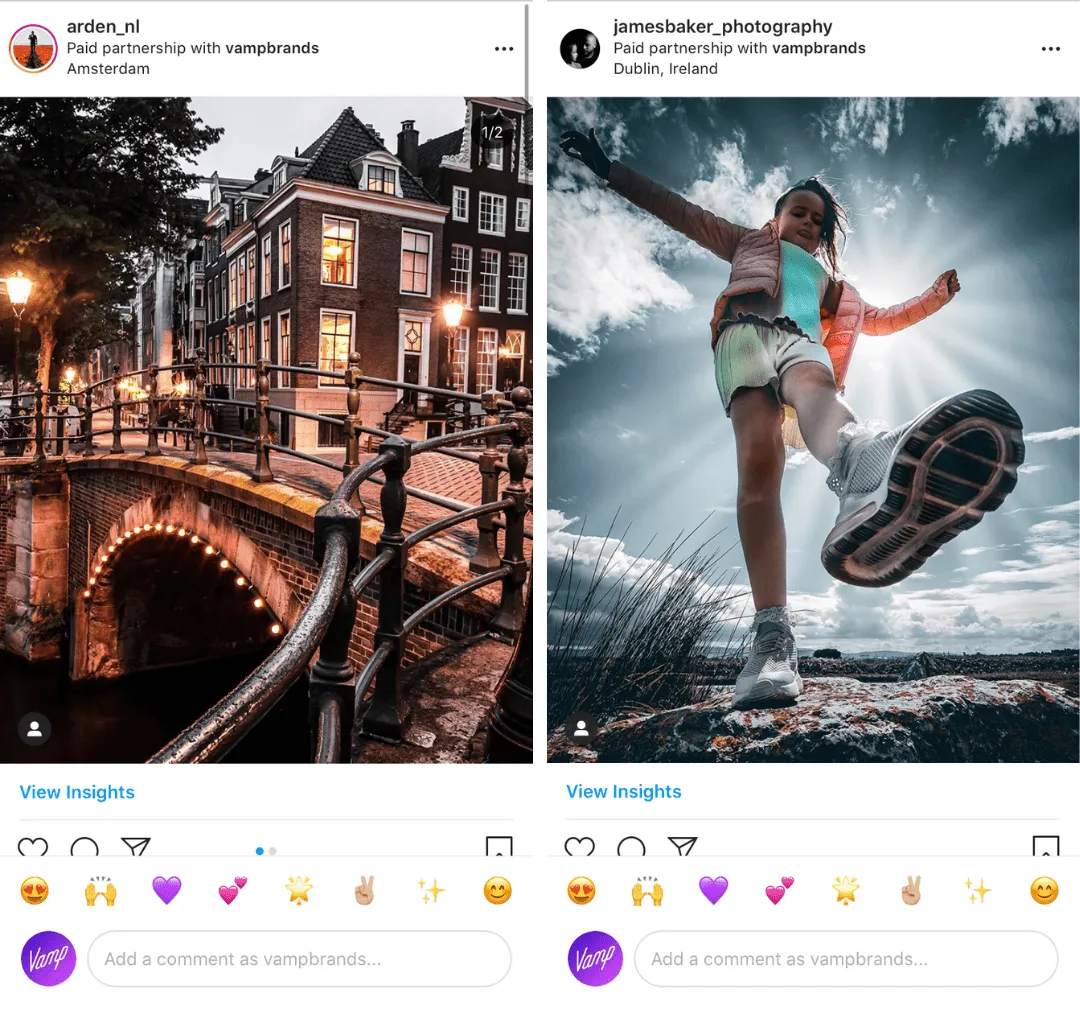
Tell creators upfront that you intend to use Paid Partnership and Branded Content. When they know from the start, the early steps go smoothly. For example, if you plan to boost Instagram Stories, those frames need to be free of GIFs and hashtags to qualify as ads.
3. Have a clear goal in mind
Branded Content is built for driving conversions: sales, app downloads, site visits. Set objectives around business metrics rather than vanity ones, so you can measure real impact and ROAS instead of just engagement.
4. Streamline your Ads Manager
Upload your creator list to Meta Ads Manager before they create content. Then, when a creator tags you as their business partner, the approval is already in place and there’s no manual step to chase.
For more context, read our ultimate Branded Content guide for marketers, an explainer on what the Branded Content tool is, how creators benefit from Branded Content ads, and how to request the Paid Partnership tag.
FAQs
Do I have to approve creators before they can tag my brand?
Yes. With “Require Approvals” on (the default), only creators you’ve added under “Approved Accounts” can tag your business in a Paid Partnership. This is the safeguard that stops accounts you don’t work with from associating themselves with your brand.
Does approving a creator let them run ads with my brand tagged?
It can. Approval gives the creator the option to promote their tagged posts as ads. That’s useful when it’s a planned partnership, but it’s a reason to approve deliberately and brief creators on what you intend to boost.
What’s the difference between Paid Partnership and Branded Content ads?
The Paid Partnership label is the disclosure tag a creator adds to a sponsored post. Branded Content ads are when you (the brand) put paid spend behind that tagged post to extend its reach and improve targeting. Approval is what connects the two.
The toggle is simple. Running creator content as performance media isn’t.
Approving partners takes a minute. Turning a roster of creators into content that performs as paid media, consistently, at scale, across every campaign, is the harder, more valuable problem.
That’s the work we do. Vamp is a tech-enabled influencer marketing agency: we design creator-led growth systems and build the distribution behind them, so creator content becomes measurable performance rather than a one-off post. Talk to us.